

Card100 USDT
Indicative maximum ≥ 2.50xIndicative total ≥ 250 USDT

Registration guide
In only 4 steps, become a member and activate a Solulu access card to start using the ecosystem.
Solulu cards
In practical terms, Solulu cards give access to project levels, with card-specific rules, LFP / U Card / EUP / SVP allocation and certain internal ecosystem elements, including SLP(SFI) tokens when the rules displayed in the app provide for them. It is not required to discover Solulu or consult the services available.
If you choose to allocate funds to it, each card then displays a limit, an indicative output and an exit path: LFP, U Card, EUP and SVP. These elements are not investment advice and remain subject to Solulu's official conditions.
SLP(SFI) is presented as a token linked to the Solulu / SFI ecosystem and referenced on MyTokenCap. Its value, availability and uses can change: always verify official information before any operation.
Indicative maximum ≥ 2.50xIndicative total ≥ 250 USDT
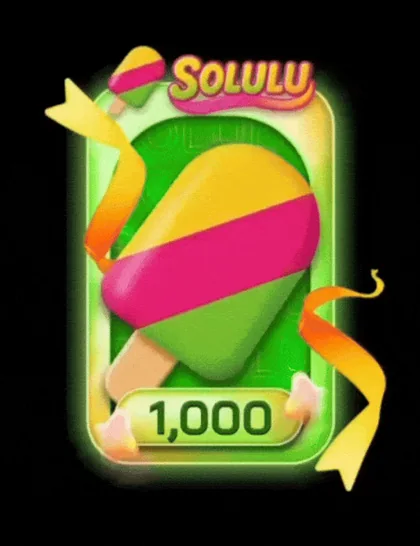
Indicative maximum ≥ 2.80xIndicative total ≥ 2 800 USDT
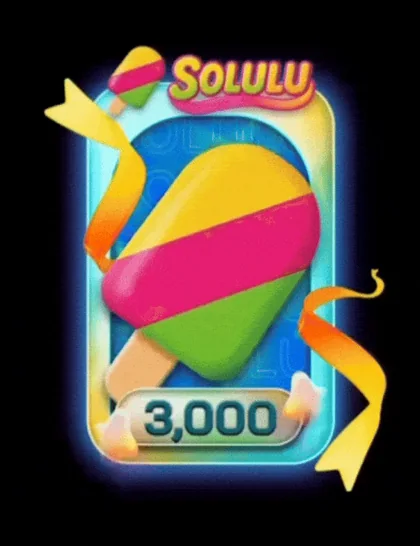
Indicative maximum ≥ 3.10xIndicative total ≥ 9 300 USDT
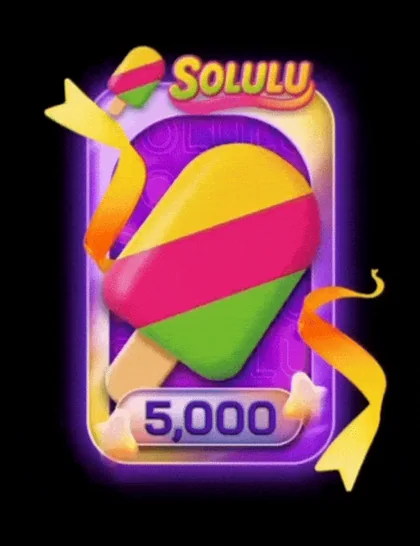
Indicative maximum ≥ 3.30xIndicative total ≥ 16 500 USDT

Indicative maximum ≥ 3.50xIndicative total ≥ 35 000 USDT
Step 1
TokenPocket is the wallet app used to open Solulu inside a secure crypto browser and connect a BNB Chain wallet to your account.
Step 2
Create a BNB Chain wallet: this will be the wallet connected to your Solulu account. This is where you can receive stablecoins withdrawn from Solulu, notably USDT or USDC depending on displayed options, then send them wherever you want: payment recipient, Binance, Kraken or another wallet.
 BNB Chain
 USDT / USDC sur BNB
Step 3
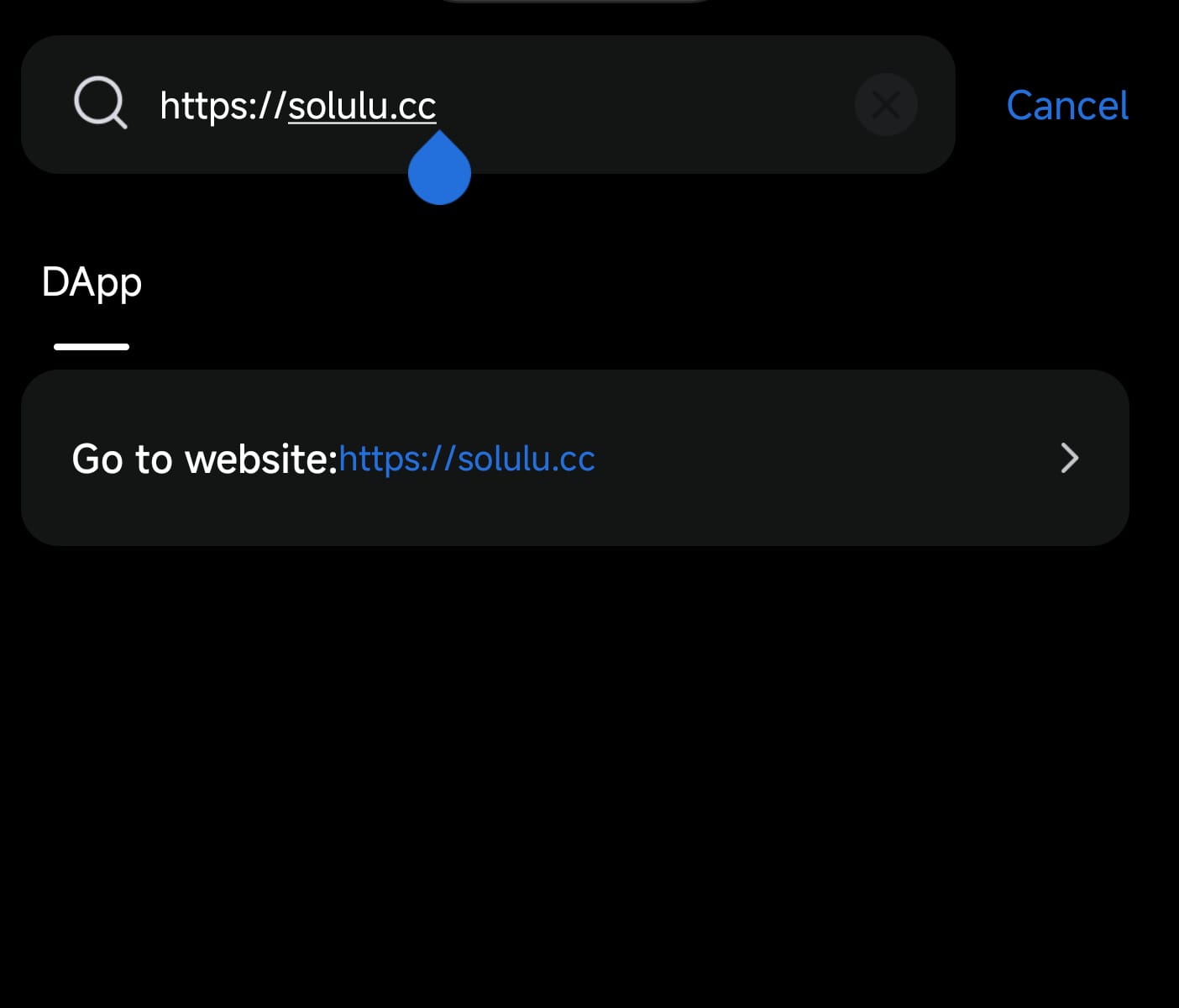
In TokenPocket, tap Discover, search for https://solulu.cc, then confirm opening the site when TokenPocket displays the redirect message.


Final step
If you choose to join the Solulu project, verify the official rules in the app before any operation. Once the card amount is available in USDT, or in USDC if the option is offered, on your BNB Chain wallet in TokenPocket, open solulu.cc from Discover, connect your wallet, then choose the card you want to activate. This wallet is connected to your Solulu account.
To create your Solulu access, enter the following codes during registration.
Important notice
This site only informs about the existence of the Solulu project and explains, in general terms, how to access the platform. It does not seek to convince anyone to invest and is not financial, tax or legal advice, not a personalized recommendation, and not an offer, solicitation, canvassing or incentive to acquire crypto-assets, stablecoins, cards, RWA, NFT or any product linked to Solulu.
The presence of access codes only facilitates registration from this page and may be linked to a referral benefit for the site editor; it must not be interpreted as a guarantee, promise of gain or investment recommendation. Any decision to use Solulu, activate a card or send stablecoins such as USDT or USDC is your sole responsibility, according to your situation, risk tolerance and the laws applicable in your country. Crypto-assets can lead to total or partial loss of funds, fees, blocks, network errors or changes in platform rules. Always verify official information and consult an authorized professional in your jurisdiction before any operation. This site is unofficial and is not officially affiliated with Solulu or SFI.

